Reviving Your Old Pixel: A Budget-Friendly DIY Google Photos Alternative
Why Google Photos Isn't Free Anymore
For years, Google Photos was the undisputed champion of smartphone photo management. Its effortless set-it-and-forget-it approach made it a staple recommendation for anyone wanting to avoid the hassle of manual backups. The promise of unlimited, free storage seemed too good to be true—and eventually, it was. In June 2021, Google ended its free unlimited backup policy, and high-quality storage now counts against your Google account quota. Suddenly, that once-perfect solution feels like a paid subscription you didn't sign up for.
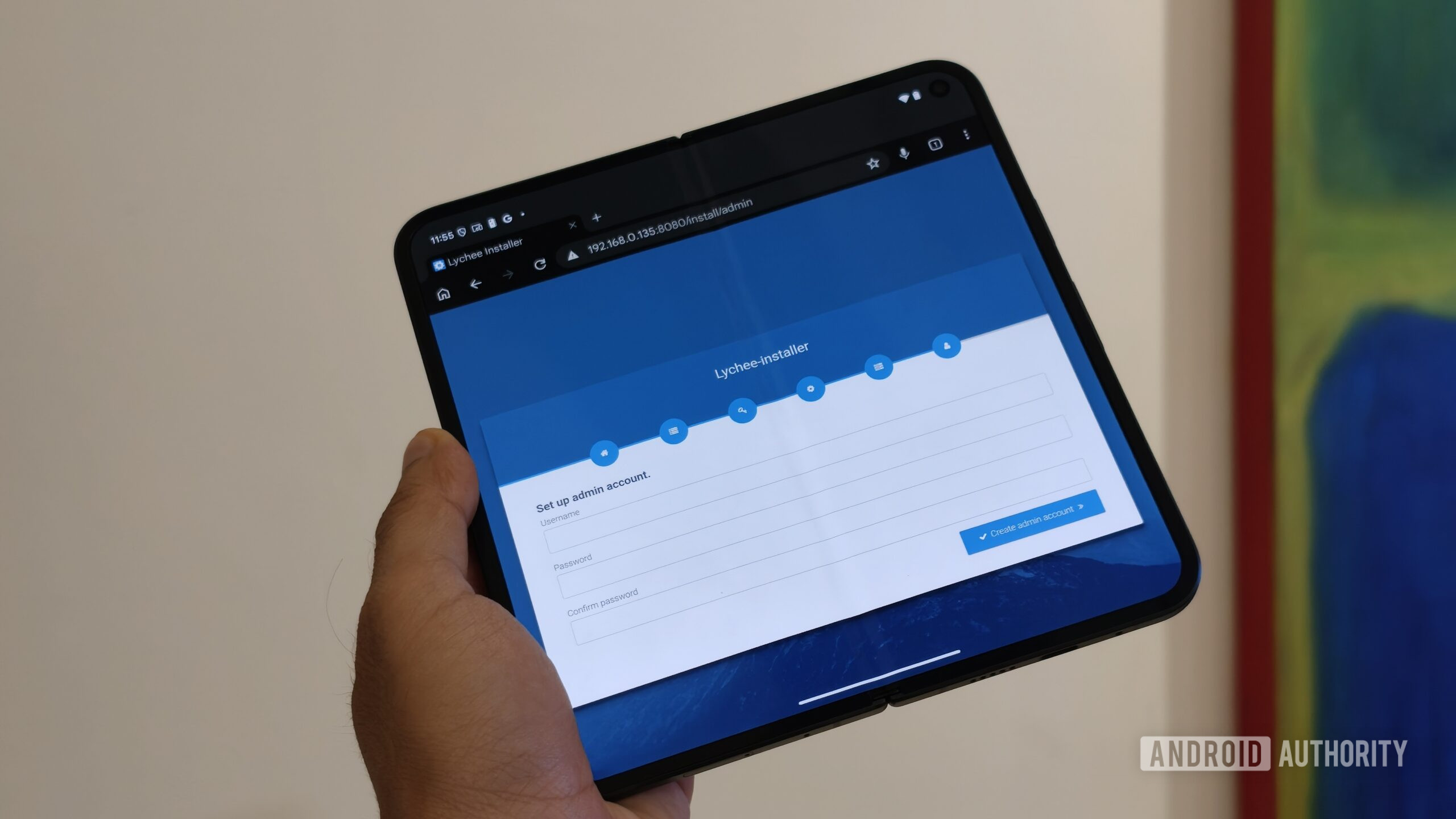
The Rise and Fall of Unlimited Storage
Google’s decision was a shock to millions. The loss of unlimited backup forced users to either pay for Google One storage or seek alternatives. Many, like myself, turned to NAS (Network Attached Storage) setups or self-hosted platforms like Immich and Nextcloud. While these are powerful, they often require dedicated hardware, technical know-how, and ongoing maintenance—not exactly a weekend project for everyone.
What Happens After the Party Ends?
Once the free ride was over, the search for a permanent, cost-effective solution became urgent. You could pay Google a monthly fee, but why do that if you already own hardware capable of handling the job? In my case, an old Pixel phone—long retired in a desk drawer—turned out to be the perfect answer. It’s a high-performance, battery-backed Linux server just waiting for a second life. More on that below.
The Hidden Power of an Old Pixel Phone
Modern smartphones, especially Google’s Pixel series, are surprisingly capable computers. With a strong ARM processor, onboard storage, Wi-Fi, and a built-in battery backup, they can function as low-power servers. And because they’re running Android (a Linux-based OS), you can install server software via Android’s ADB (Android Debug Bridge) or custom ROMs. This turns a forgotten device into a dedicated photo backup hub.
Why a Pixel Makes a Perfect Self-Hosted Server
- Always-on capability: You can leave it plugged in and connected to your home network.
- Battery backup: Even during a power outage, it keeps running for hours.
- Low power draw: Uses a fraction of the electricity of a typical NAS or mini-PC.
- Built-in storage: Pixel phones typically have 64–128 GB, expandable via USB-OTG (if supported).
- Free Google Photos upload trick (original quality): Older Pixels (1st gen) still have unlimited original-quality uploads, but newer ones can still upload high-quality for free until a certain date—though that’s a separate story. Here, we’re focusing on a fully self-hosted solution.
Getting Started: What You’ll Need
- An old Pixel phone (Pixel 1–5, preferably with a removable SIM tray for easier USB access).
- A USB-C cable and power adapter for continuous operation.
- A home network with Wi-Fi (or Ethernet via USB adapter).
- Basic familiarity with Android’s Developer Options and ADB commands.
- Self-hosted photo management software: Immich is a top choice because it mimics Google Photos’ interface and features.
Setting Up Your Self-Hosted Photo Backup
Step 1: Prepare Your Pixel Device
First, factory reset your Pixel to start fresh. Then enable Developer Options by tapping “Build Number” in Settings seven times. Inside Developer Options, enable USB Debugging and Stay Awake (so the screen stays on when charging). Also disable any automatic screen lock and turn off battery optimization for the apps you’ll use. Finally, connect the phone
Related Articles
- 10 Ways SUSE is Reinventing Itself as the AI-Native Infrastructure Platform
- Understanding Extrinsic Hallucinations in Large Language Models
- Crafting Authentic Virtual Personas for Language Models: A Step-by-Step Guide
- AI-Powered Micro-Dramas: 10 Game-Changing Facts About China's Content Revolution
- 7 Essential MacBook Deals to Grab in May 2026: Your Ultimate Buyer's Guide
- JetStream 3.0: 5 Game-Changing Updates Every Web Developer Should Know
- Life After the CEO Chair: Joel Spolsky's Sabbatical and New Ventures
- Amazon's Latest Fire TV Update Eliminates Key Features That Made It a User Favorite