Deploying GPT-5.5 in Microsoft Foundry: A Step-by-Step Enterprise Guide
Introduction
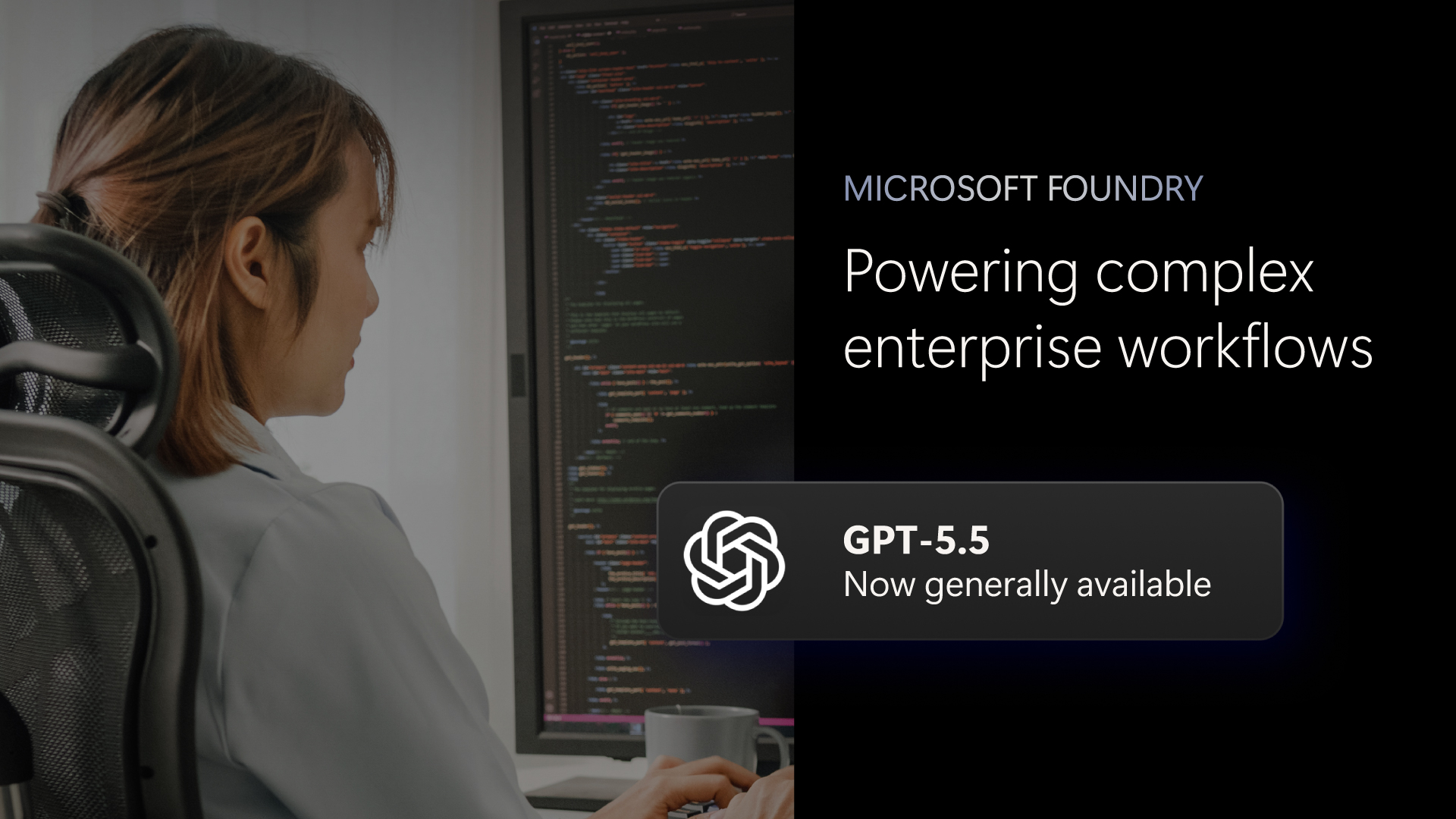
OpenAI's GPT-5.5 is now generally available in Microsoft Foundry, bringing frontier intelligence to Azure for enterprise teams building production-ready AI agents. This guide walks you through the process of deploying and using GPT-5.5 in Foundry, from initial setup to advanced optimization. You'll learn how to leverage GPT-5.5's improved reasoning, agentic coding, and token efficiency—all within Foundry's secure, governed platform.
What You Need
- An active Azure subscription with permissions to access Microsoft Foundry (formerly Azure AI Foundry).
- Administrator or contributor role in the Azure AI Foundry resource group to create and manage model deployments.
- Familiarity with enterprise governance policies for AI (security, compliance, data residency).
- Optional but recommended: integrated development environment (VS Code, GitHub, or Foundry's built-in prompt flow) for building agents.
- A test or production enterprise application that will use GPT-5.5 (e.g., a customer support bot, code review assistant, or document analysis tool).
Step-by-Step Guide
Step 1: Set Up Your Azure Environment and Access Foundry
Log into the Azure Portal and navigate to Azure AI Foundry. If you haven't already, create a new Foundry hub or use an existing one. Ensure your region supports GPT-5.5 deployments (check Microsoft's documentation for regional availability). Once inside Foundry, select the Model Catalog from the left navigation. This is your gateway to frontier models.
Step 2: Select and Deploy GPT-5.5 from the Catalog
In the Model Catalog, search for "GPT-5.5." You'll see two variants: GPT-5.5 (standard) and GPT-5.5 Pro (premium with extended reasoning for high-stakes tasks). Click on your desired model, then select Deploy. Choose a deployment name, set capacity (throughput units), and configure any regional policies. Click Create. Deployment typically takes a few minutes. You'll receive an endpoint URL and API key after it's ready.
Step 3: Configure Security and Governance Policies
Foundry provides platform-level security that you must configure before production use. Navigate to Content Safety settings to define input filtering, harm categories (hate, violence, etc.), and response grounding. Use Azure Policy to enforce data residency and encryption requirements. For sensitive data, enable Private Endpoints to keep traffic within your virtual network. These settings ensure GPT-5.5 operates within your enterprise's compliance boundaries.
Step 4: Integrate with Enterprise Systems and Data Sources
To make GPT-5.5 truly useful, connect it to your existing enterprise tools. In Foundry, go to Connections and add data sources (Azure Blob Storage, SQL databases, SharePoint, etc.). Use the Prompt flow feature to chain data queries with model calls. For agentic workflows, integrate with Microsoft Copilot Studio or Power Automate. This allows GPT-5.5 to pull live information, execute actions, and produce polished outputs like spreadsheets or presentations.
Step 5: Build and Deploy Agents with GPT-5.5
Now the real power emerges. Use Foundry's Agent framework to create multi-step agents. For example, build an agent that can: (a) parse a large codebase, (b) identify a root-cause bug, (c) propose a fix considering downstream impacts, and (d) generate test cases—all autonomously. GPT-5.5's improved agentic coding and computer-use accuracy make this possible. Define the agent's goal, tools (API calls, file access), and guardrails. Deploy as a web service or embed in your app.

Step 6: Optimize for Token Efficiency and Cost
GPT-5.5 is designed for fewer tokens and fewer retries, but you should still fine-tune prompts. Use Foundry's Evaluation tools to test different prompt strategies—measure output quality vs. token consumption. Adjust temperature and max tokens settings per workload. For high-volume production, consider using the batch API for non-real-time tasks. Monitor costs via Azure Cost Management and scale capacity based on demand.
Step 7: Monitor and Manage at Scale
Foundry provides built-in monitoring for deployed models. Track latency, token usage, error rates, and content safety violations. Set up alerts for anomalous behavior. Use Azure Log Analytics to store logs for audits. For ongoing improvement, collect user feedback and retrain or adjust agent prompts. Foundry's model registry lets you version deployments, allowing safe rollbacks or A/B testing with older model versions like GPT-5.4.
Tips for Success
- Start with a proof of concept—use Foundry's sandbox environment to test GPT-5.5 on a small, non-critical workflow before full production deployment.
- Leverage GPT-5.5 Pro for complex tasks like legal document analysis or multi-step code refactoring where reasoning depth matters most.
- Use Foundry's built-in prompt optimization to reduce token waste—GPT-5.5 handles long context well, but clear instructions still cut costs.
- Combine with other models via Foundry's model routing—GPT-5.5 for reasoning, a simpler model for classification to save tokens.
- Regularly review governance policies as your deployment scales—AI compliance requirements evolve, and Foundry makes updates straightforward.
- Engage with the community—Microsoft's Foundry documentation and GitHub samples provide real-world patterns for agentic workflows.
By following these steps, you'll turn frontier intelligence into a secure, governed, and cost-efficient part of your enterprise operations. GPT-5.5 in Microsoft Foundry is not just a model—it's a platform for reliable AI agents.
Related Articles
- OpenAI Unleashes Codex Remote Control via ChatGPT Mobile App for iOS and Android
- How MIT’s SEAL Framework Marks a Milestone in Self-Evolving AI
- Unlock Agentic AI in Xcode 26.3: A Step-by-Step Guide
- Study Reveals Warm-Tuned AI Chatbots Sacrifice Accuracy for Politeness
- The New Android Reality: What Gemini Intelligence Means for You
- AI Vulnerability Detection: How GPT-5.5 Measures Up Against Claude Mythos
- Unlock Claude’s Built-in Project Manager: A Step-by-Step Guide
- OpenAI vs. Apple: The Strained Siri Partnership That Could Lead to Court